Ali Lens — Search AliExpress by Image
See a product anywhere on the web? Right-click the photo — or tap the camera button on it — and Ali Lens finds matching AliExpress listings with photos and prices in a side panel, without leaving the page.
Add to ChromeInstalls in one click • No account needed
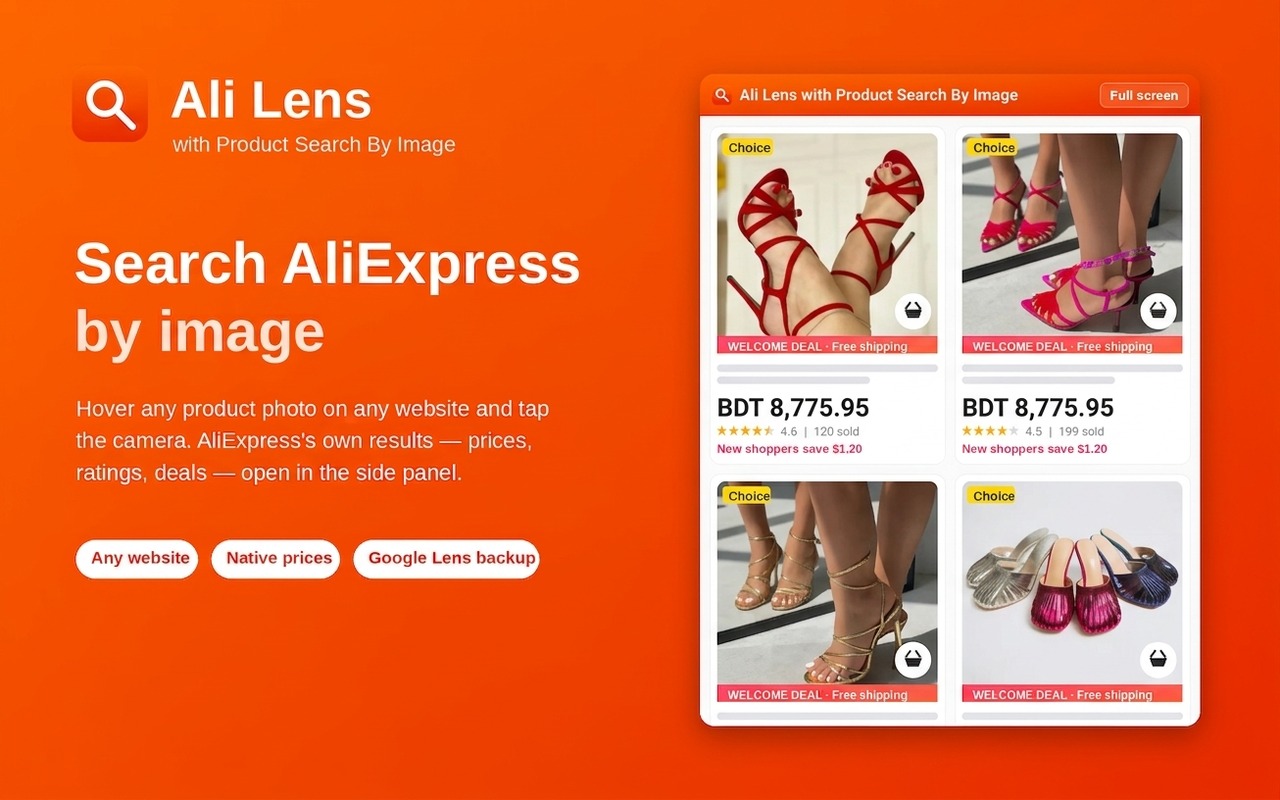
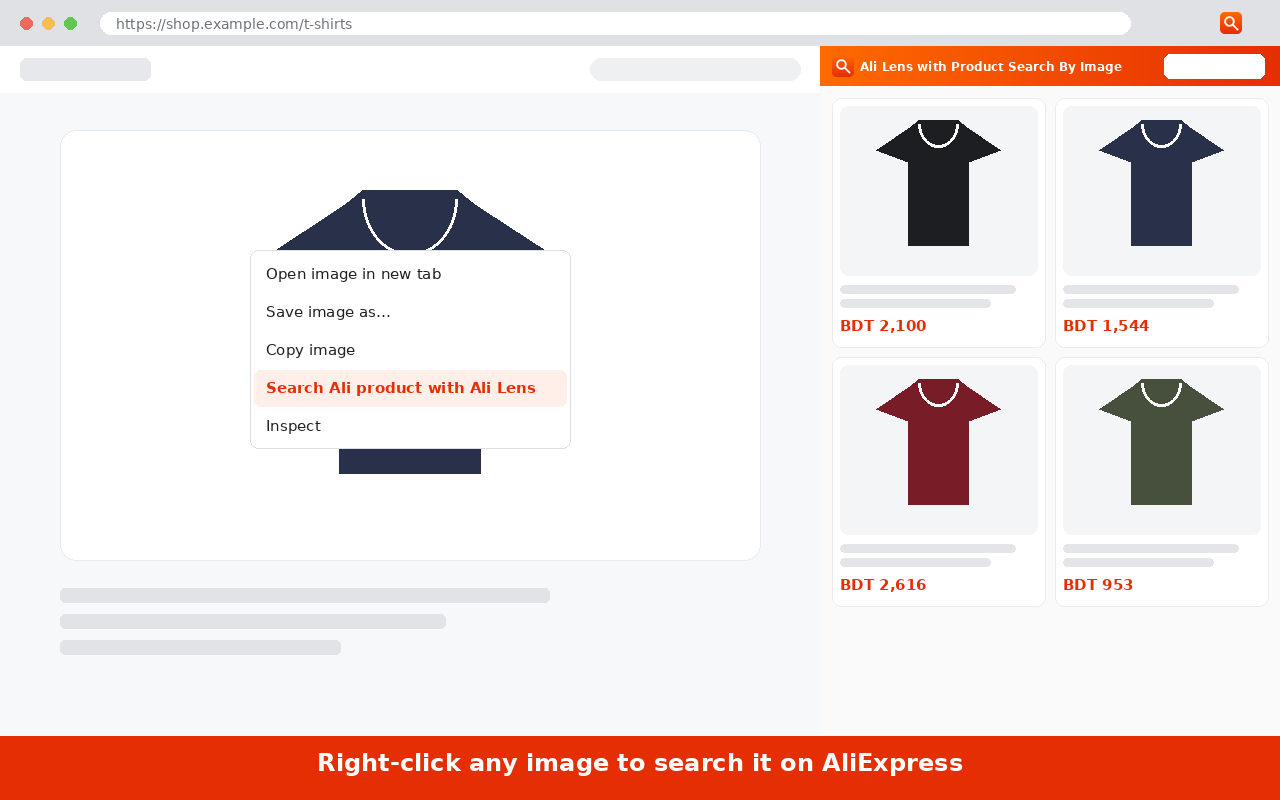
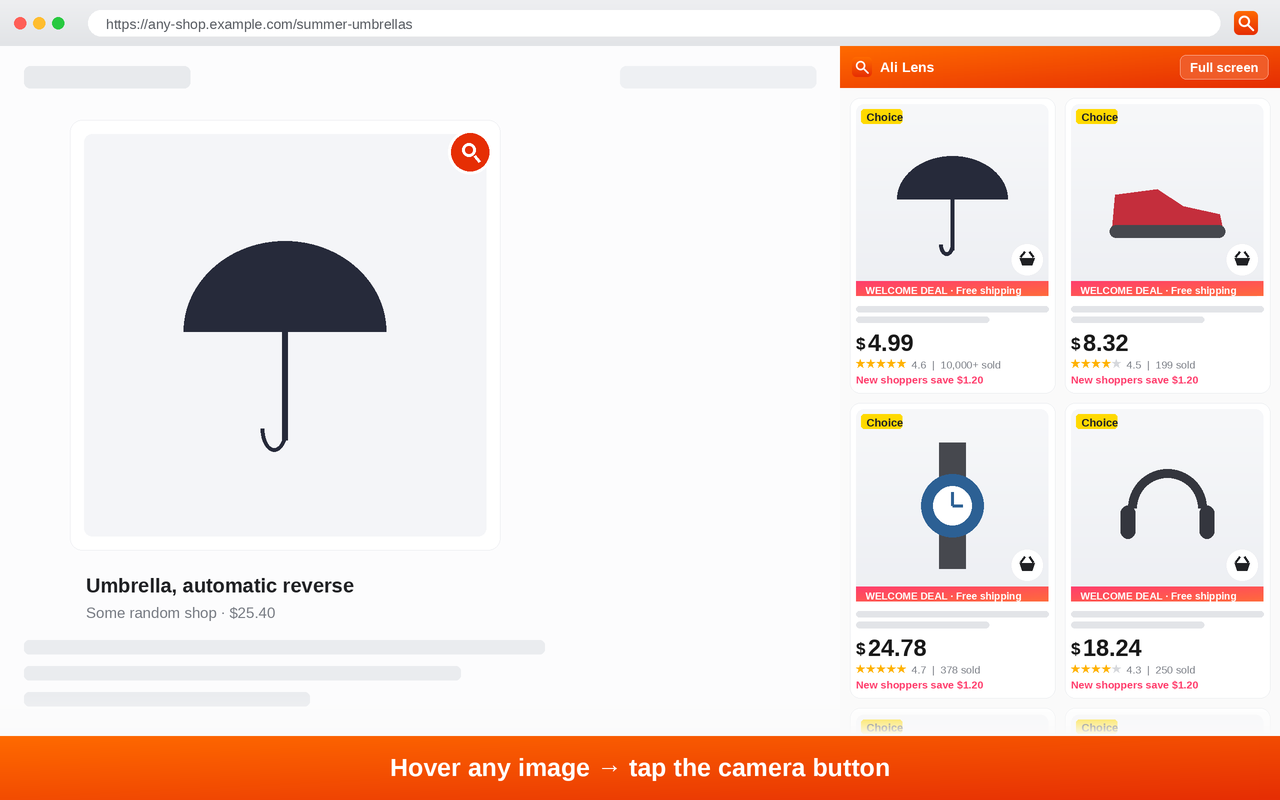
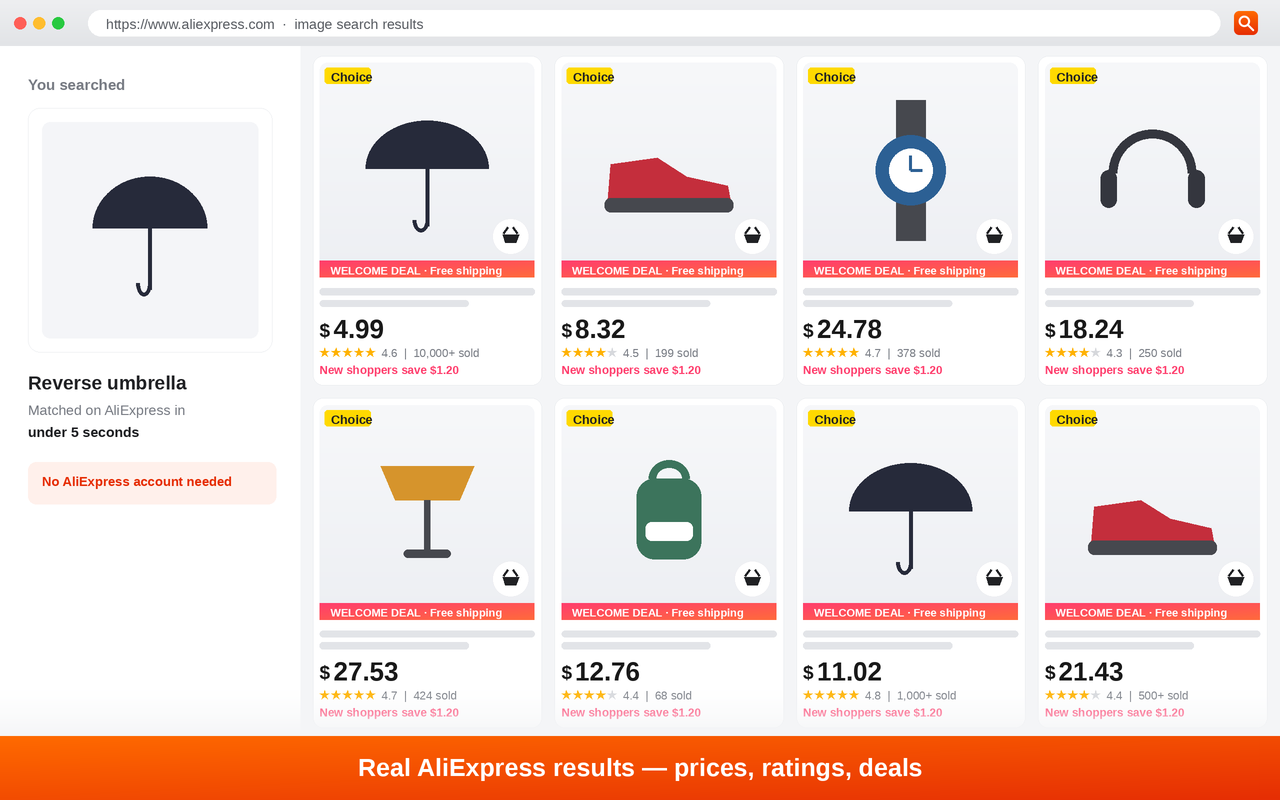
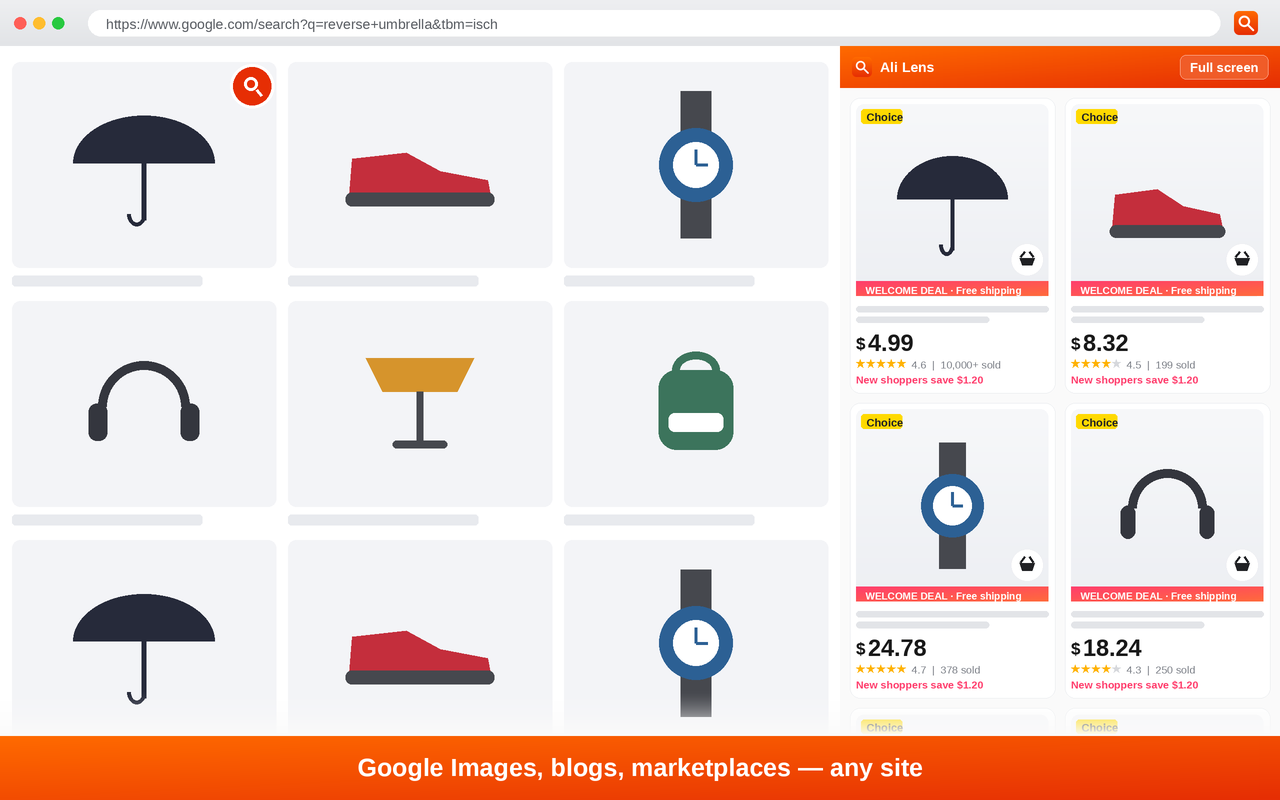
Finding a product you have only seen in a photo is the slow part of shopping online. You screenshot it, open AliExpress, hunt for the image-search button, upload the file, and start over if the crop was wrong. Ali Lens removes every one of those steps: right-click any image on any website, choose the search action, and matching AliExpress listings appear in the browser side panel — photos, titles and prices, right next to the page you were already reading.
It is built for the people who do this all day. Dropshippers checking what a supplier really charges, resellers sourcing a product they spotted on Instagram, and shoppers looking for a cheaper version of something on a brand site. Results open beside the page instead of replacing it, so you can compare without losing your place — and expand to full screen when you want a closer look. The interface ships in 19 languages, and only the image you pick is ever sent to AliExpress to run the search.
If you already use an AliExpress extension like AliTools or AliSave, Ali Lens covers the part those tools make you do by hand: AliExpress search by image, straight from a right-click, so you can search Ali prices for a product you have nothing but a photo of. There is no separate image downloader step — you never save the picture in the first place.
Why creators use this ali lens — search aliexpress by image
Right-click any image to search
A context-menu entry on every image on every site. No screenshots, no saving files, no uploading anything by hand.
Camera button on hover
Hover an image and a small camera icon appears in the corner. One tap runs the same search — useful when the right-click menu is blocked by a site.
Results in the side panel
Matches open in Chrome's side panel next to the page, so the original product stays visible while you compare listings.
Native AliExpress results
AliExpress's own listings, with real prices, star ratings, sold counts and Choice / welcome-deal badges — not a scraped approximation.
Google Lens backup
When AliExpress's image match comes back thin, Ali Lens falls back to Google Lens so you still get somewhere to start.
Full-screen browsing
Expand results out of the side panel when you want to scan a long list of matches properly.
Works on every website
Instagram, Pinterest, Amazon, brand stores, blogs, Google Images — anywhere an image loads in your browser.
19 languages
The interface is localized, so the extension reads in your own language wherever you shop from.
No account, no tracking
Nothing to sign up for. Only the image you choose is sent to AliExpress to run the search — no personal data is collected.
How it works
- 1
Install Ali Lens from the Chrome Web Store — one click, no signup.
- 2
Browse anywhere: a social feed, a blog, a brand's product page, Google Images.
- 3
Right-click the product photo and pick the Ali Lens search action — or hover the image and tap the camera button.
- 4
Matching AliExpress listings open in the side panel with photos and prices. Expand to full screen or click through to buy.
What you get
- Find the AliExpress source for a product you only have a photo of, in seconds.
- Compare a brand's price against the supplier's without leaving the brand's page.
- Source products you spot on Instagram, Pinterest or TikTok while you are still scrolling.
- Skip the screenshot-save-upload loop that manual image search requires.
Frequently asked questions
What does Ali Lens cost?
Nothing. There is no charge to install or use it, no account to create and no card to enter.
How do I search AliExpress by image?
Right-click any image on any website and choose the Ali Lens search action, or hover the image and tap the camera button that appears on it. Matching AliExpress listings open in the browser side panel.
Does it work on every website?
Yes. Ali Lens works on any site where an image loads in your browser — social feeds, marketplaces, brand stores, blogs and image search results.
Where do the results appear?
In Chrome's side panel, next to the page you are on, so the original product stays visible. You can expand results to full screen when you want a closer look.
Which browsers does it support?
Any Chromium browser with side panel support — Chrome, Edge, Brave, Arc, Opera and Vivaldi.
What data does the extension collect?
None. Only the specific image you choose to search is sent to AliExpress to run that search. The extension does not collect personal data.
What languages is it available in?
The interface is available in 19 languages, so you can use it in your own language wherever you shop from.
How is this different from AliTools or AliSave?
Those AliExpress extensions focus on price history, coupons and saving or downloading images. Ali Lens does the search itself: right-click a photo anywhere on the web and get matching AliExpress listings with prices. You can run it alongside them — there is no overlap and no conflict.
Do I need an image downloader first?
No. Ali image downloader tools exist because manual AliExpress image search makes you upload a file. Ali Lens searches the image directly from the page, so there is nothing to download, save or re-upload.
Can I search Ali prices from a photo?
Yes. Every result in the side panel shows the AliExpress listing price next to its photo and title, so a single right-click tells you what the product actually sells for.
Can I use it for dropshipping research?
Yes — that is one of the most common uses. Spot a product anywhere, right-click the photo, and see what comparable AliExpress listings cost before you commit to a supplier.
What Ali Lens installs, what it can reach, and how to remove it
Ali Lens is a browser extension, not a desktop program. It installs from the Chrome Web Store into your browser only, bundles nothing else with it, and can be removed in two clicks at any time.
What it can access
- Images on pages you are viewing — so it can add the right-click action and the camera button.
- The one image you choose. That image is sent to AliExpress to run the search; nothing else is uploaded.
- Chrome's side panel, to show the results next to the page.
- No browsing history, no form data, no passwords, no personal information. The developer declares the extension does not collect or use your data, and does not sell data to third parties.
How to remove it
- 1Right-click the Ali Lens icon in the Chrome toolbar.
- 2Choose “Remove from Chrome…” and confirm. (Or open chrome://extensions, find Ali Lens, and click Remove.)
- 3It is gone immediately — nothing is left behind on your computer.
- Publisher
- readyandmakes
- Contact
- readyandmakes@gmail.com
- Version
- 3.0.5 — updated 24 August 2026
- Download size
- 62.08 KiB
- Listing
- Chrome Web Store
- Privacy policy
- Developer's privacy policy
Ready to add to chrome?
One click to install. No account, no card, and nothing to configure — right-click an image and it works.
Add to ChromeAli Lens — Search AliExpress by Image
One click • No signup • Chrome, Edge, Brave & Opera